Product
Meet Eli!
Eli is your Jarvis for learning. It follows you into ChatGPT, Claude, Gemini and more, remembers what you know, and can play tutor, interviewer or examiner.
Ok, first things first. It's pronounced EEE-lieee.
Not "Elly". Not "Ay-lee". EEE-lieee. Say it out loud once, it's fun.
Second thing: the easiest way to think about Eli is as your Jarvis for learning.
You know how Tony Stark never has to walk into the lab and say "Hi Jarvis, I'm Tony, I build suits, here's what I worked on yesterday"? Jarvis just knows. Tony says "Jarvis, run the numbers", and jarvis runs the numbers.
That's the whole idea behind Eli. Except instead of flying suits and arc reactors, it's your learning.
So let's talk about it.
The problem with learning across apps
Think about how you learn something new these days.
You watch a YouTube video to get the basics. You ask ChatGPT to explain the bit that didn't quite click. Then you open Claude to practise, maybe ask Gemini for a second opinion, and somehow end up with multiple tabs open and no idea which one had that really useful explanation.
The problem is that every app treats you like a stranger.
You have to keep explaining what you're learning, what you already understand, and what you covered last week. And if you covered it in another app? Good luck. You're back to square one.
It's like having a really smart friend who forgets everything about you overnight. Every morning, you have to introduce yourself again.
Meanwhile, all that learning you've done, ya, It hasn't disappeared. You've spent hours building your understanding. It's just trapped in bits and pieces across different apps, chats, videos, and courses.
Your knowledge is growing. Your apps just can't see it.
That's the problem we built Eli to solve.
So, what exactly is Eli?
Eli is the learning sidekick that lives inside LMNTS. It keeps track of what you're trying to learn, which concepts you've demonstrated that you understand, where you're still struggling, and what might be worth learning next.
Then it brings that context into the AI apps you already use.
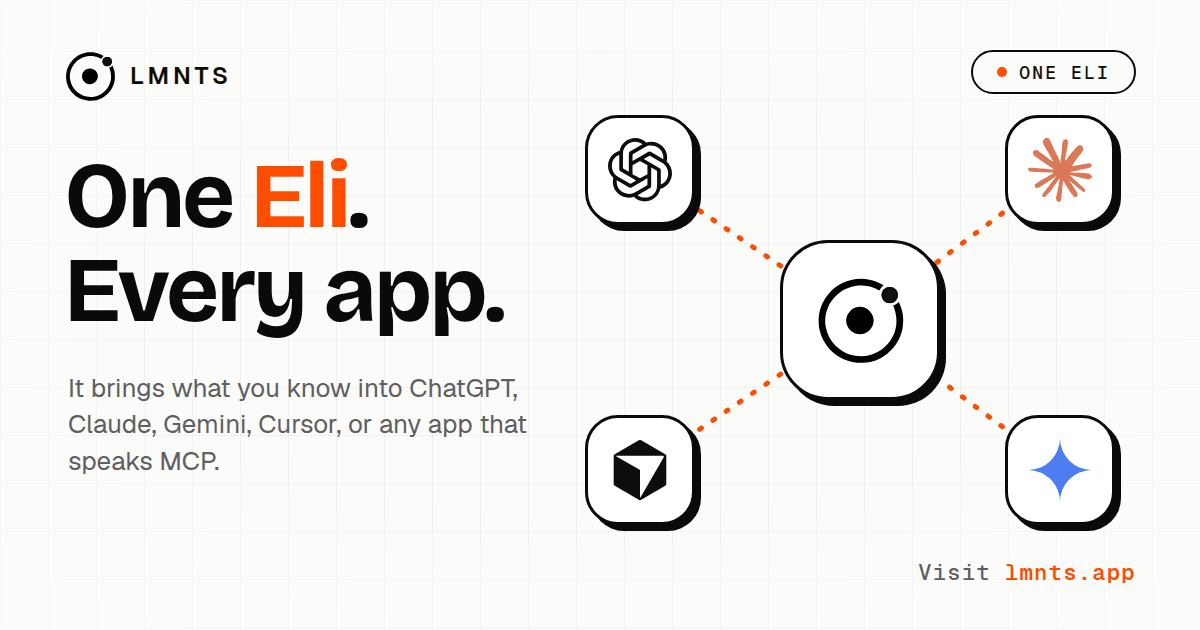
You can connect Eli to ChatGPT, Claude, Gemini and Cursor, along with any other apps that support MCP. (Think of MCP as a way for AI apps to connect to external tools and information. That's all you need to know for now.)
Once connected, your AI can ask Eli about your learning before helping you with a study question. That means it can check:
- What you're learning. Your Learning Scopes are the subjects you want to get good at, mapped out as connected concepts rather than one giant, intimidating topic.
- What you've actually demonstrated. Not just the things you've watched videos about, but the concepts you've shown you understand.
- Where you're struggling. The things you've tried, the parts you've found difficult, and the misconceptions you might still be carrying around.
- What to tackle next. The concepts that make sense to focus on, based on your current understanding and learning goals.
So when you ask your AI a question, it doesn't have to guess where to begin. It can start with what it already knows about your learning.
Less explaining yourself. More actually learning.
How do you summon Eli?
This is probably my favourite bit.
Once you connect LMNTS to your apps, you don't need to open another dashboard or switch to some special LMNTS chat. You can just call Eli by name, right inside the AI app you're already using.
Try something like:
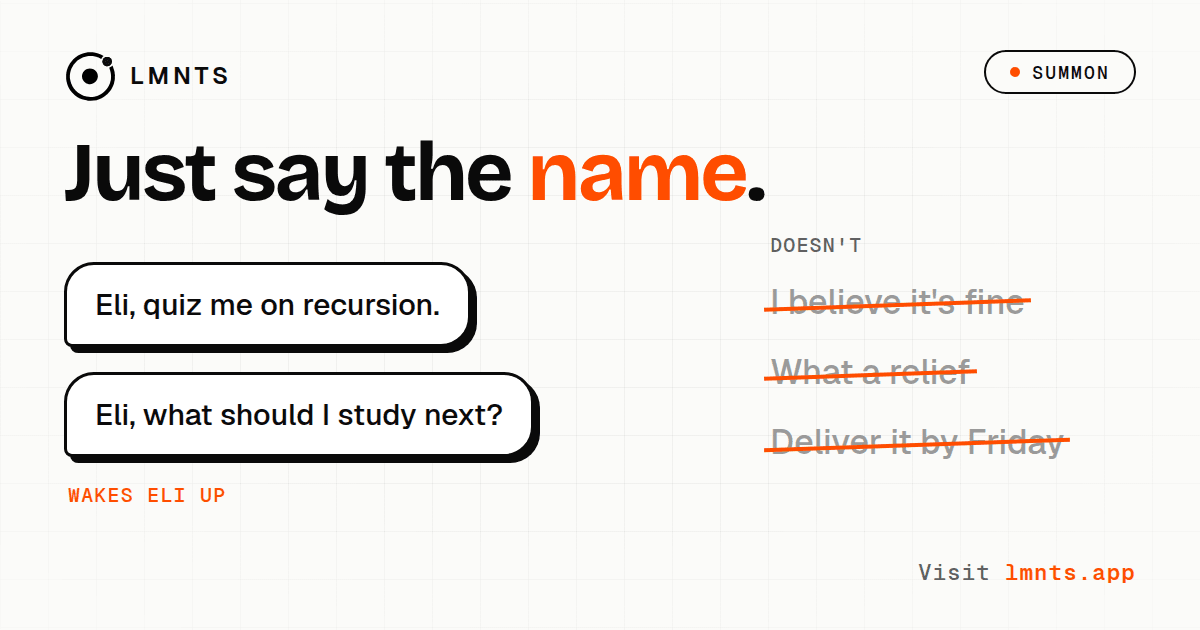
- "Eli, what should I study next?"
- "Eli, quiz me on recursion."
- "Eli, am I ready for dynamic programming?"
- "Eli, let's start."
Your AI recognises that you're talking to Eli and checks your learning context before responding.
And don't worry, Eli isn't going to wake up every time you type "I believe" or "what a relief." It knows the difference between mentioning a word and actually calling it.
You don't always have to say the name, either. If you ask a study-related question, like "Help me prepare for my statistics exam," your AI can use Eli when it needs your learning context. But if you want to make sure Eli is involved, saying its name is the easiest way to do it.
One Eli, three different personalities
Here's where things get interesting.
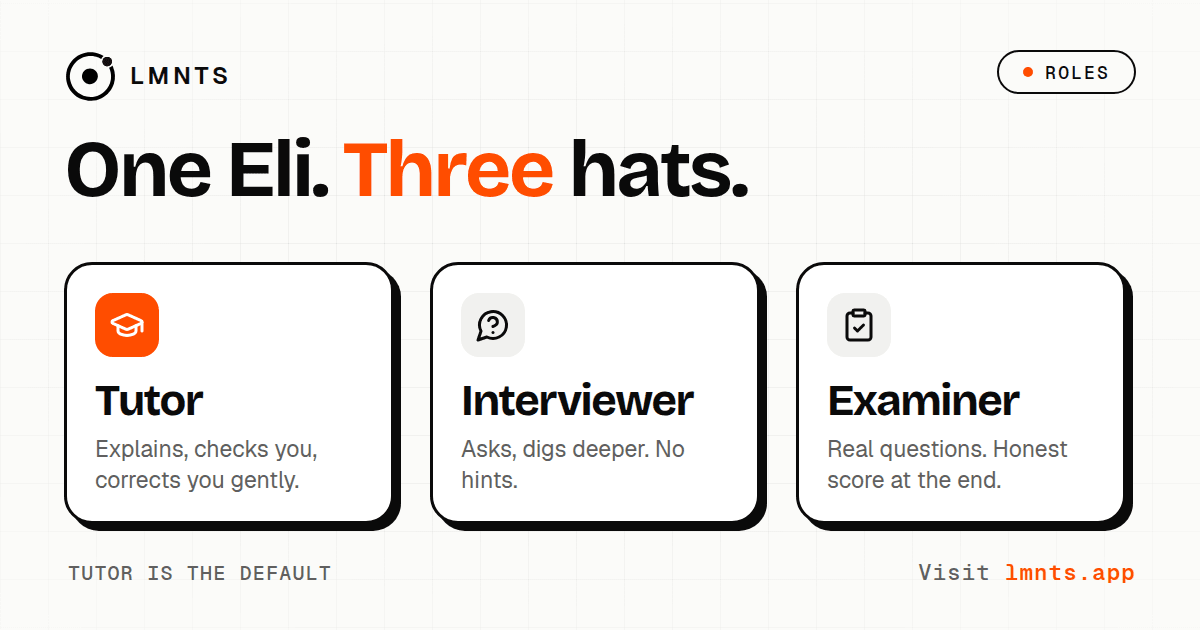
Eli doesn't have to behave the same way in every app. You can choose a different role for each connection, depending on how you want to learn.
1. Tutor: your default study buddy
Tutor is the friendly one. Ask a question, and it'll explain things, work through examples with you, and help you get unstuck.
But it won't just explain something and assume you've understood it.
After working through a concept, Eli can ask you a question to check whether it actually clicked. And I don't mean the classic "Does that make sense?" question. We all say yes to that one, even when absolutely nothing makes sense.
I mean a proper question that helps reveal whether you understand the idea or have just become familiar with the words.
Once you've worked through a concept, Eli can also offer you a graded quiz. Pass it, and you've got evidence of your understanding that can contribute to your progress in LMNTS.
2. Interviewer: the one that won't let you off easy
Ever practised for an interview with an AI that basically gives you the answer before you've finished thinking?
Yeah, this isn't that.
In Interviewer mode, Eli asks a question, waits for your answer, and follows up based on what you say. Give a strong answer, and it'll push you further with tougher questions or additional constraints. Give a shaky answer, and it'll narrow things down to figure out exactly where your understanding breaks.
No hints. On purpose.
The point isn't to help you sound like you know something. It's to find out whether you do.
At the end, you get feedback on your strengths, your gaps, and how your performance compares with the level you're aiming for.
Useful when you're preparing for a backend engineering interview. Particularly useful when that interview is tomorrow morning and you've suddenly decided to take preparation seriously.
Not that I'd recommend leaving it that late.
3. Examiner: time to see what you actually know
Examiner is for when you want to test yourself without being taught along the way.
It gives you a series of questions, one at a time. No hints, no corrections between questions, and no sneaky explanations when you get something wrong. You finish the session, then get your results.
You'll see which concepts you handled well and where you need more work.
Think of it as a practice exam before the real thing. Ideally, you get the sweaty palms out of the way here.
Mix and match
Because you can set roles separately for each app, you can put together a learning setup that works for you.
For example, you might use Claude as your patient Tutor while learning a new topic, ChatGPT as a tough Interviewer when you're ready to test yourself, and Gemini as your Examiner before an upcoming exam.
It's still the same Eli, with the same underlying learning context. You're just changing how it helps you.
Setting up a role (and the little "ready" trick)
You can choose a role from Connections in LMNTS or directly from a Learning Scope. Pick the app, choose the role, and you're almost there.
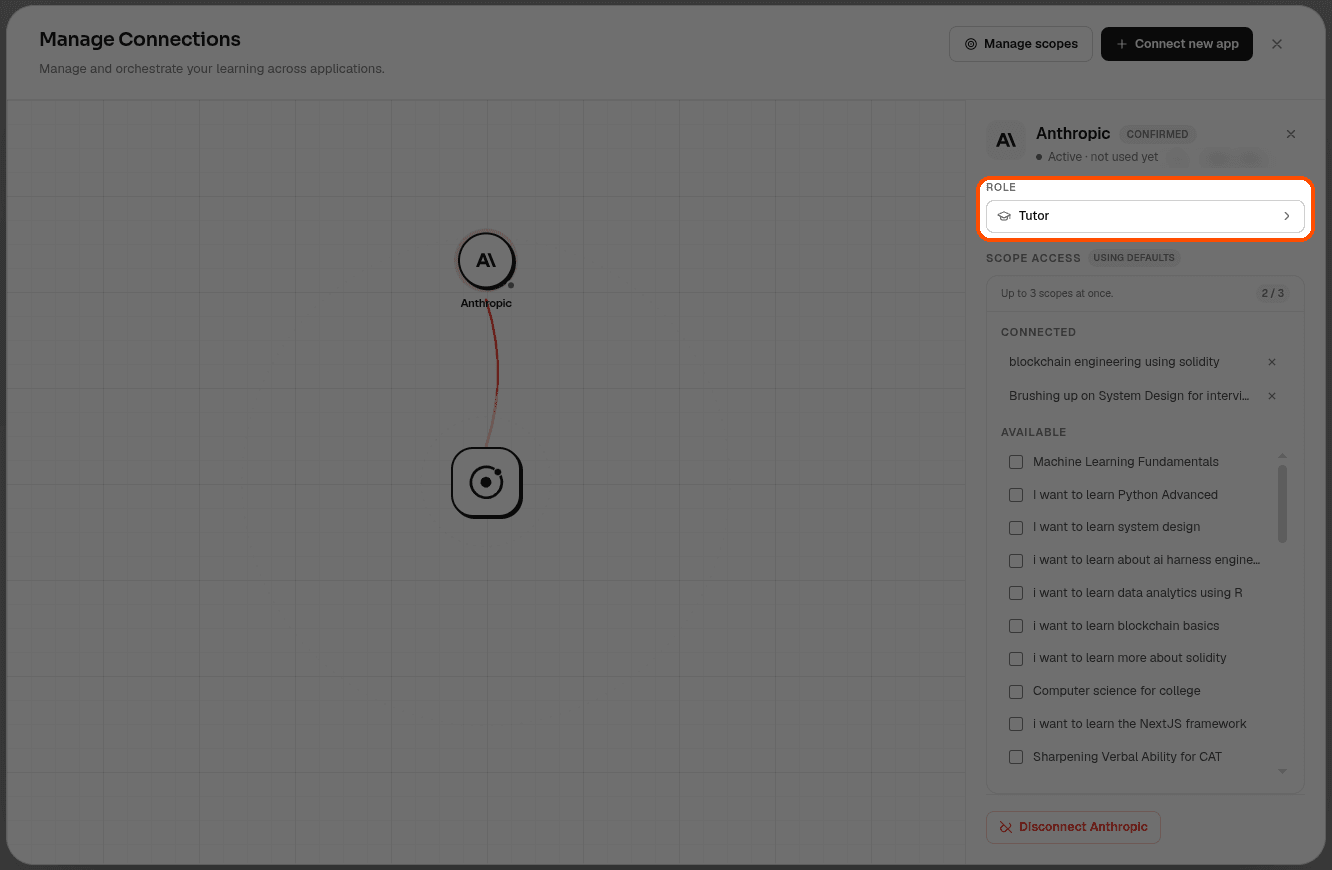
For Interviewer and Examiner, you can customise the session a little further.
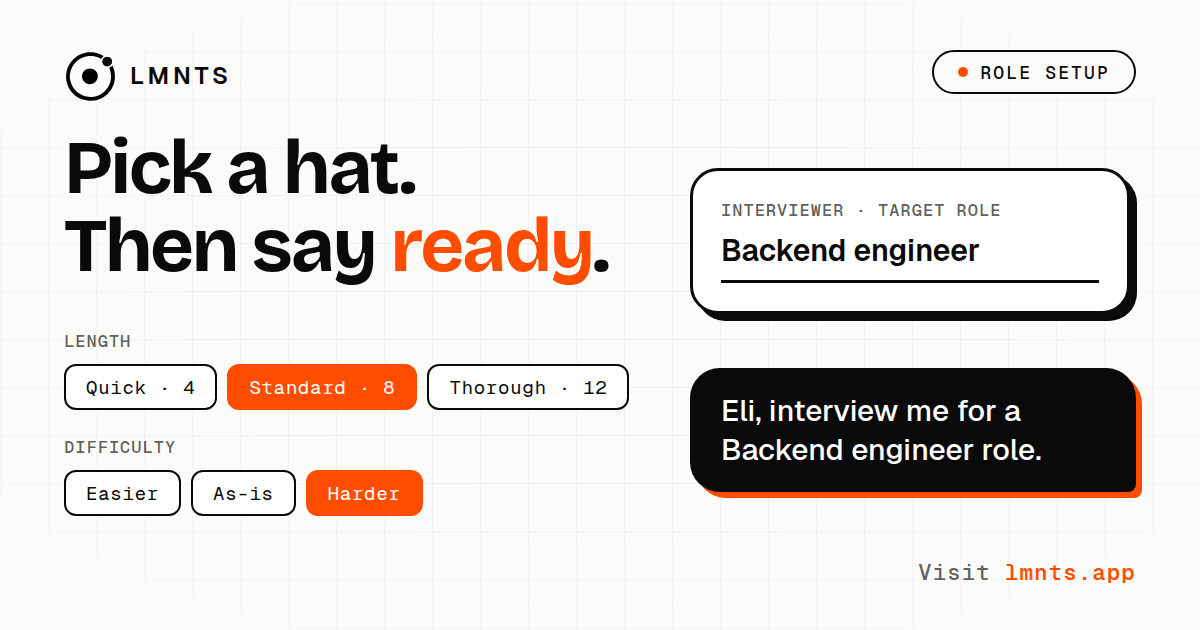
Here's what you can adjust:
- What you're preparing for: A target like "Backend engineer" or "AWS Solutions Architect." This gives Eli a clearer idea of the level you're aiming for.
- Session length: Quick (4 questions), Standard (8), or Thorough (up to 12).
- Difficulty: Easier, As-is, or Harder.
You don't need to manually select all the topics you want to cover. Eli already has your learning context, so it can use what you've demonstrated and where you're still developing to shape the session.
Once you've saved your settings, LMNTS gives you a ready-made prompt to copy.
Something like:
"Eli, interview me for a Backend engineer role."
Paste that into a fresh chat in the app you've connected, and you're ready to go.
No need to explain your entire learning history before the first question. No lengthy setup conversation. Just get started.
And if you change your mind halfway through, that's fine too. Tell Eli, "Just tutor me normally," and it'll switch gears. Your chosen role sets the starting point, not a set of rules you're stuck with.
Eli is a little strict about what you know
I'll be honest: this is one part of Eli that might take some getting used to.
Watching a tutorial doesn't automatically mean you've learned the topic.
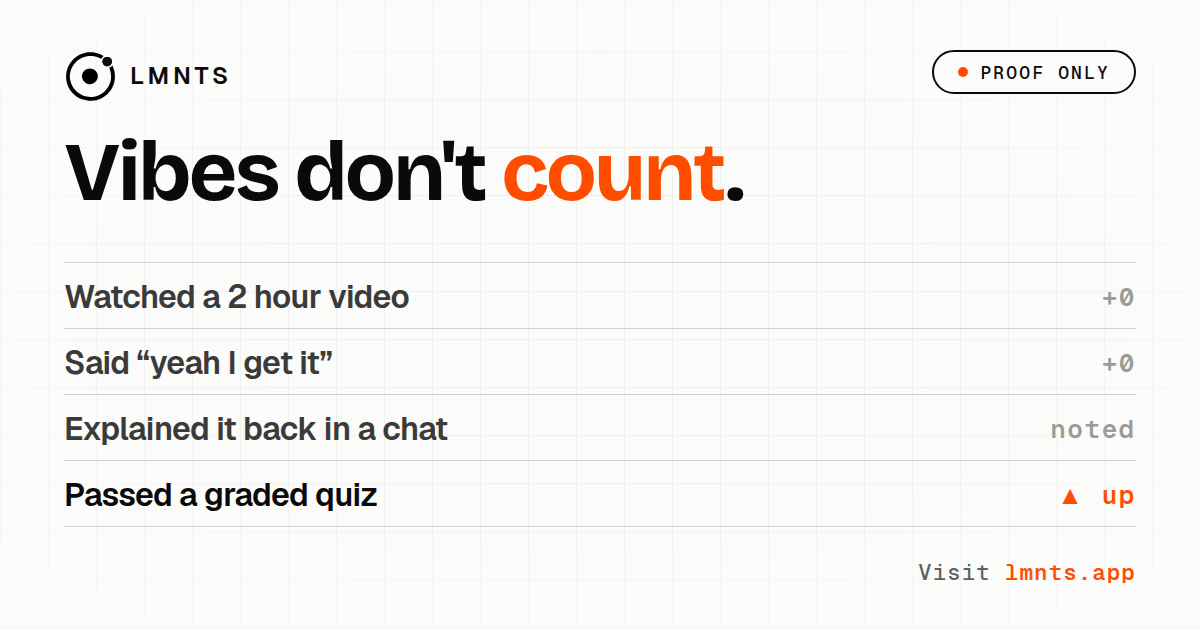
You can watch a two-hour video, nod along to every explanation, and finish feeling like you've mastered the subject. Then someone asks you to explain it without the video, and suddenly the whole thing gets a little awkward.
We've all been there.
Eli distinguishes between what you've encountered and what you've actually demonstrated you understand.
When you work through a problem with your AI, Eli can keep track of the evidence: what you attempted, where you struggled, and which parts you managed to work through. That activity alone doesn't magically turn into proof that you've mastered a concept. Your understanding score only increases when you demonstrate it, for example by passing a graded quiz.
Why be so strict about it?
Because your learning context is only useful if it's reasonably accurate. If Eli assumes you're an expert just because you watched a video, the next AI you use might skip the very concept you need help with.
Eli would rather be a little conservative than confidently tell every app that you're ready to move on when you're not.
Your learning context, your call
Since Eli carries information about your learning between apps, you should know what you're sharing and how to control it.
A few things worth knowing:
- You choose what each app can access. Every connection only gets access to the Learning Scopes you select, with a limit of three per app.
- You can disconnect an app whenever you want. Manage your connections from the Connections section in LMNTS.
- Setup takes about three minutes. No coding required. You add a connection link to your AI app and complete a one-time verification step by pasting a secret phrase into a new chat, so Eli can verify the connection.
Want to get Eli set up? We've put together step-by-step guides:
So, that's Eli.
The thing is, the AI apps you use are already pretty capable. They can explain complicated topics, help you practise, and answer questions you didn't even know how to ask.
What they don't automatically have is the context of everything you've been learning elsewhere.
You shouldn't have to start from scratch every time you switch apps. Your learning should build on itself, wherever you happen to be doing it.
That's what we're building with LMNTS, and Eli is how that context comes along for the ride. It helps your AI understand where you are in your learning, keeps track of what you've demonstrated, and adapts to what you need that day.
Tony Stark had Jarvis. You get Eli.
Smaller budget. Fewer explosions. Probably better at quizzing you on recursion.
Now go open your favourite AI and say hi. And remember, it's EEE-lieee.